
Identity Theft Protection That Actually Works (From Someone Who’s Been Paranoid About It)
A friend of mine had his identity stolen three years ago. Someone opened two credit cards and a car loan in his name before he noticed. It took him eight months and a lot of phone calls to clean up the mess. Watching that unfold made me take this stuff way more seriously than I used to — and honestly, most of the protective steps are easier than people think.
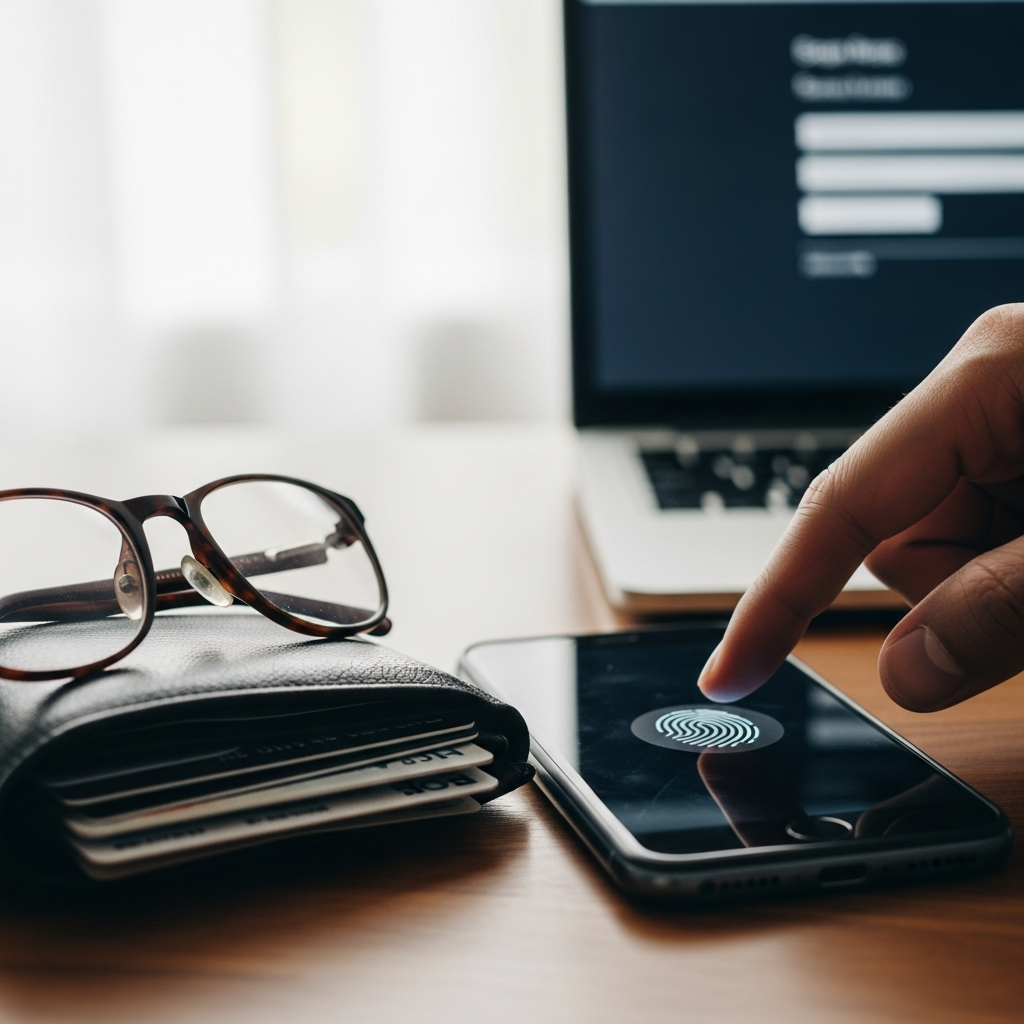
Lock Down Your Personal Information
The boring basics matter most. Don’t share your Social Security number, date of birth, or financial details unless you’re certain who you’re giving them to and why they need them. Online, check for https:// in the URL before entering anything sensitive — though honestly, most modern browsers flag insecure connections now.
Physical documents are still a vulnerability people forget about. I shred bank statements, credit card offers, old tax documents — anything with account numbers or personal details. A $30 cross-cut shredder from Amazon handles this. Dumpster diving for personal data is still a real thing, especially in apartment complexes where trash is communal.
Passwords: The Thing Everyone Knows and Nobody Does Right
Use a different password for every account. I know — it’s annoying. That’s why password managers exist. I use 1Password; Bitwarden is a solid free option. These tools generate random passwords, store them encrypted, and auto-fill them when you need to log in. Once you set one up, it’s actually less work than trying to remember which variation of your dog’s name you used for which site.
If any of your important accounts still use a password you also use somewhere else, fix that today. When one site gets breached — and they do, constantly — attackers try those stolen credentials on banking sites, email providers, everywhere. Unique passwords contain the damage to one account.
Two-Factor Authentication Is Non-Negotiable
Turn on 2FA for every account that offers it, especially email, banking, and investment accounts. The extra step of entering a code from your phone takes five seconds and makes unauthorized access dramatically harder. Even if someone gets your password, they can’t get in without your phone.
Use an authenticator app (Google Authenticator, Authy) rather than SMS codes when possible. SIM-swapping attacks can intercept text messages — it’s uncommon but it happens, particularly to people with high-value accounts.
Check Your Statements — Actually Check Them
I review my credit card and bank statements every month. Not a quick glance — an actual line-by-line scan. Fraudulent charges often start small: $3.99 here, $9.99 there. Thieves test whether you’re paying attention before going big. Most banks let you set up transaction alerts that ping your phone for purchases over a certain amount. I have mine set at $25. It catches things fast.
Credit Monitoring: Worth Having
Credit monitoring services watch your credit report for new accounts, hard inquiries, and other changes. If someone opens a credit card in your name, you’ll get an alert. Most of the free options (Credit Karma, your bank’s built-in monitoring) are good enough. You don’t need to pay $30/month for this — the free tier covers the important stuff.
Freeze Your Credit — Seriously
Credit freezes are free, effective, and underused. When your credit is frozen, no one can open new accounts in your name because lenders can’t pull your report. You thaw it temporarily when you need to apply for something, then refreeze. I keep mine frozen by default and have for years. The minor inconvenience of unfreezing is worth the protection.
Phishing Is Getting Smarter
Phishing emails aren’t the obvious Nigerian prince scams anymore. They look like real emails from your bank, your employer, Amazon. The grammar is correct, the logos are right, and the urgency feels real. My rule: never click a link in an email asking you to verify account information. Go directly to the website by typing the URL yourself. If the email is legitimate, you’ll find the same alert when you log in normally.
Social Media Shares More Than You Think
Your birthday, your hometown, your mother’s maiden name, the street you grew up on — these are security questions on financial accounts, and most people broadcast them freely on Facebook. I’ve tightened my privacy settings and stopped posting personal milestones publicly. It feels slightly antisocial, but the tradeoff is worth it when those same details could be used to reset my bank password.
Update Your Software
Software updates aren’t just feature additions — they patch security vulnerabilities that attackers actively exploit. Keep your operating system, browser, and apps updated. Turn on automatic updates if you tend to click “remind me later” until you forget entirely. That goes for your phone too, not just your computer.
Public Wi-Fi Is a Risk
I don’t log into banking or investment accounts on public Wi-Fi — coffee shops, airports, hotels. If I absolutely need to access something sensitive on the road, I use a VPN. NordVPN and ExpressVPN are both fine for this. The $5/month is cheap insurance against someone on the same network intercepting your data.
Identity Theft Insurance: A Safety Net, Not a Prevention Tool
Identity theft insurance doesn’t stop theft from happening — it helps pay for the cleanup if it does. That includes legal fees, notary costs, lost wages while you’re on the phone with credit bureaus. Some homeowners and renters insurance policies include this coverage already, so check before buying a separate policy. If you don’t have it bundled, standalone policies run $25-50/year through most major insurers.




Stay in the loop
Get the latest seattle financial advisors updates delivered to your inbox.